Free alerts
Lottery Sambad alerts: phone notification and result email
Updated
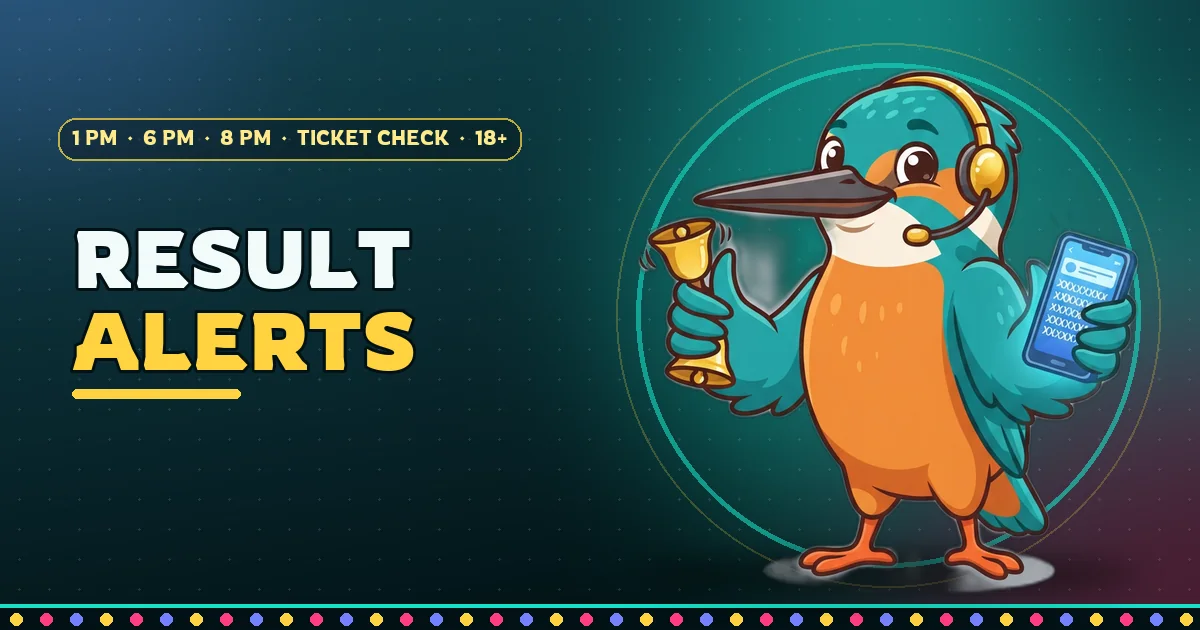
Lottery Sambad alerts bring the Dear result to you, so you do not have to keep a page open at 1 PM, 6 PM and 8 PM. You can choose a notification on your phone, an email, or both. They are free, there is no account or login, and each one stops with a single tap.
Switch on the phone alert
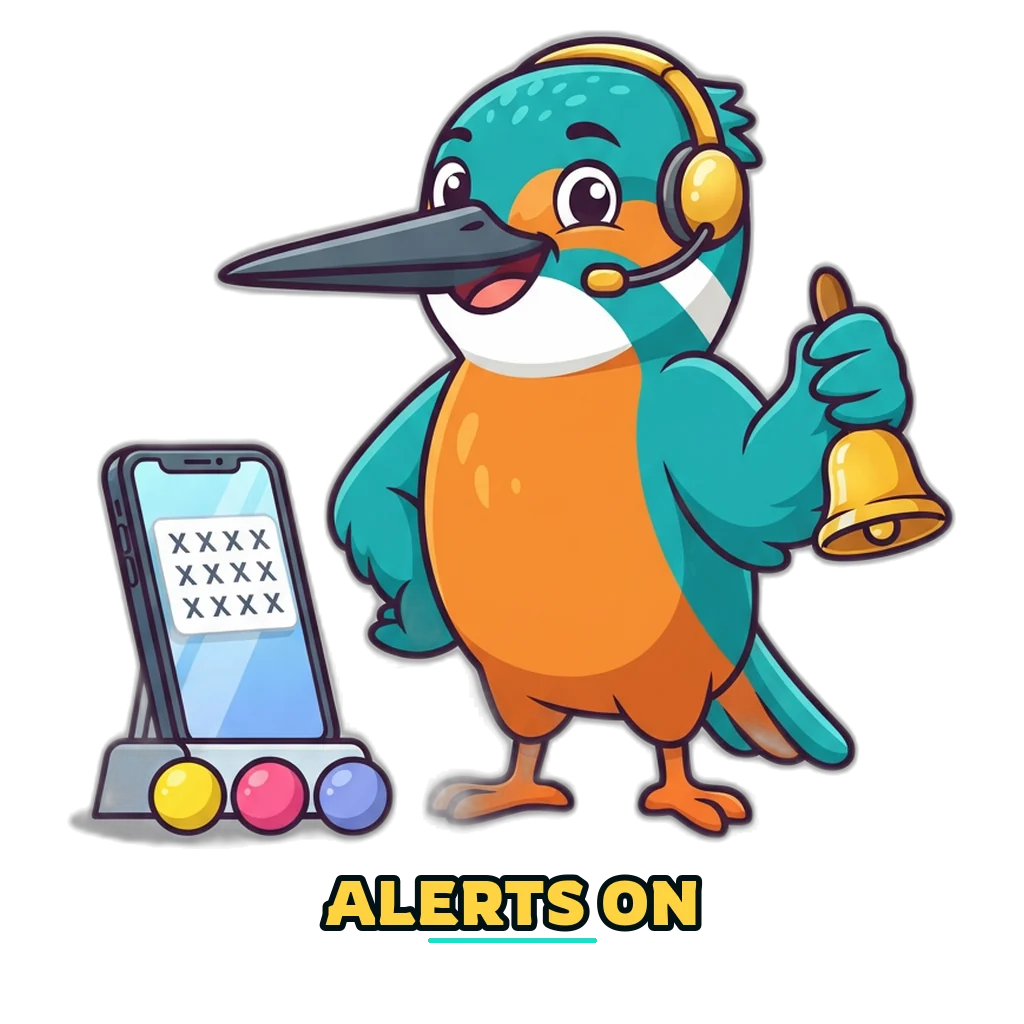
Tap the yellow button. Your browser shows a small box asking whether this site may send notifications. Pick Allow, and the line under the button changes to say alerts are on.
The numbers reach your phone by themselves
Three draws a day, three short alerts: one each after the 1 PM, 6 PM and 8 PM sheets are published. No sign-up and nothing to install.
Looking at this browser…
A new link, “Send a test alert”, appears once alerts are on. Use it. A test that lands on your screen within a few seconds tells you the real alerts can reach this phone as well.
Which alerts exist
The result notification. Our reader looks at public result lists every two minutes around each draw. When it stores a new sheet, every phone with alerts on gets one short notification. That happens after each of the three draws, so expect three a day. Tapping one opens the result.
The result email. The same moment triggers one email per draw to every confirmed address. It suits a phone that cannot show web notifications.
The ticket alert. If you keep tickets on the My tickets page and alerts are on in the same browser, you can also be told whether a saved ticket matched a prize line. That page explains how it works and what it sends.
| Alert | When it is sent | What it needs | How to stop it |
|---|---|---|---|
| Result notification | After the 1 PM, 6 PM and 8 PM sheets are stored | Notifications allowed for this site | The “Switch alerts off” button on this page |
| Result email | One mail after each draw | An email address you confirmed | The unsubscribe link at the foot of any mail |
| Ticket alert | When the draw of a saved ticket is published | Alerts on, plus a saved ticket | Delete the ticket or switch alerts off |
Numbers usually reach public lists within minutes of a draw, and the alert follows the sheet. We cannot name an exact minute. On a day when a list does not carry a draw, no alert goes out for it, because we never send a guessed number.
iPhone and iPad need one extra step
Apple lets a website send notifications only after you have added it to the Home Screen, and only on iOS 16.4 or newer. Inside a normal Safari tab the button cannot work, so you see a short reminder in its place.
- Open this page in Safari and tap the Share icon, the square with an arrow pointing up.
- Scroll the list and choose Add to Home Screen, then tap Add.
- Leave Safari and open the site from the new icon on your Home Screen.
- Return to this page inside that window and tap the yellow button.
On Android no extra step is needed.
Ask for the result email
Type your address, tick the box and send the form. The first thing you receive is a confirmation mail. No result mail is sent until you tap the link in it, which stops anyone else from signing you up with your address.
📩 Each result as an email
One mail after each draw, with a link to the full sheet. You confirm your address once, and you can leave with a single tap.
If nothing arrives after a few minutes, check the Spam and Promotions folders and move our mail to your inbox. What we keep about an address, and how to have it removed, is written in the privacy policy.
How to switch alerts off
Phone: come back to this page on the same phone and tap “Switch alerts off”. Your browser stops listening and our service deletes the subscription it held for this device.
Email: every result mail ends with an unsubscribe link. One tap is enough. The link brings you back here and a short note at the top confirms it worked.
If an alert does not arrive
- The page says notifications are blocked. At some point Block was chosen for this site. Open the site settings of your browser (the icon beside the address), set Notifications to Allow and reload the page.
- Battery saver is on. Some phones hold back browser notifications to save power. Let your browser run in the background, or take it out of battery optimisation.
- The test works but the result is late. Then the phone is fine and the sheet has not been published yet. The live board shows whether a draw is still waiting.
- You cleared your browser data. That also wipes the alert setting kept on the phone, and a new phone or browser starts without one. Switch alerts on again.
Still nothing? Use the form on the contact page and tell us the make of your phone and the browser you use.
What an alert can and cannot tell you
An alert reports a result that has already been published. Nobody can know a number before the draw, and we never send tips or “lucky numbers”. We also never use an alert, an email or a call to ask for money. A message that says you must pay a fee to receive a prize is a scam, whatever name it carries.
The number in a notification is copied from public result lists by a machine. Before you act on it, compare your ticket with the result printed in the government gazette, which always prevails. Lottery tickets are for adults (18+) and only in states where the law allows them.
With Lottery Sambad alerts switched on you can put the phone down and get on with your day. When you want the whole picture at once, all three draws today are on one board.